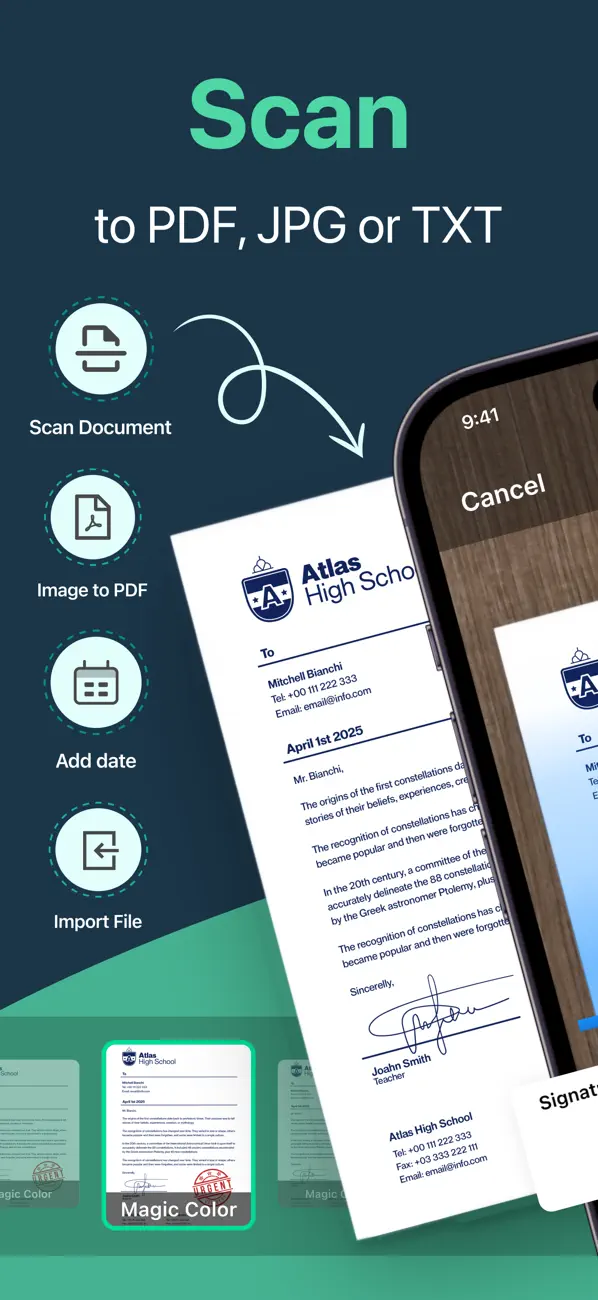
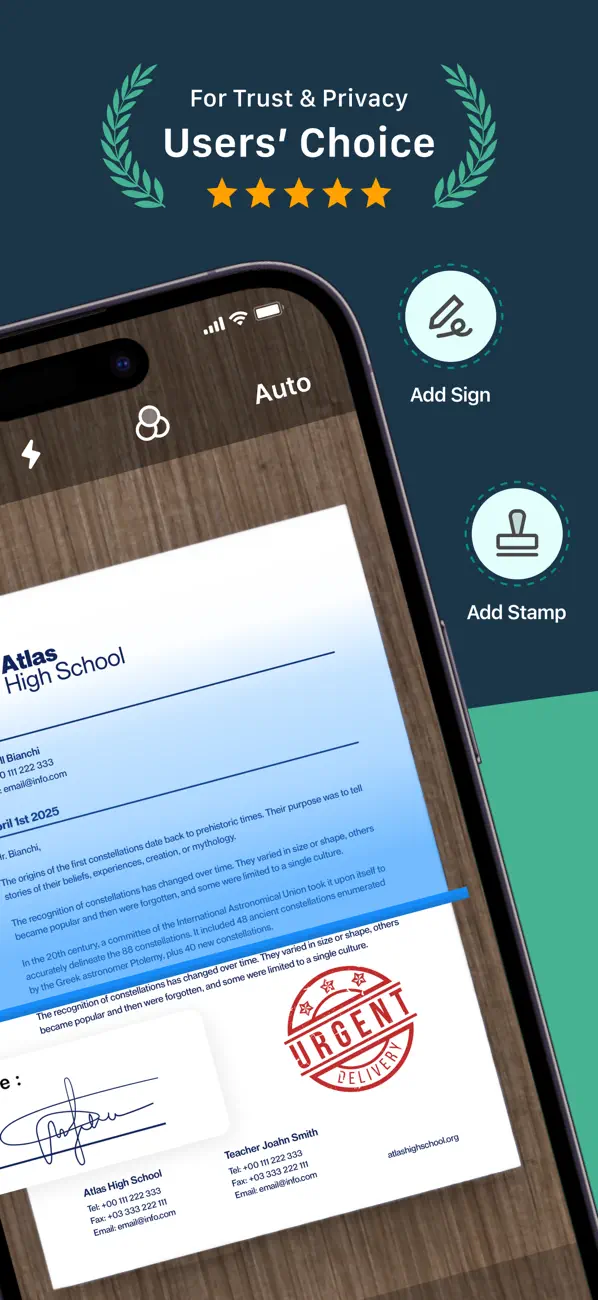
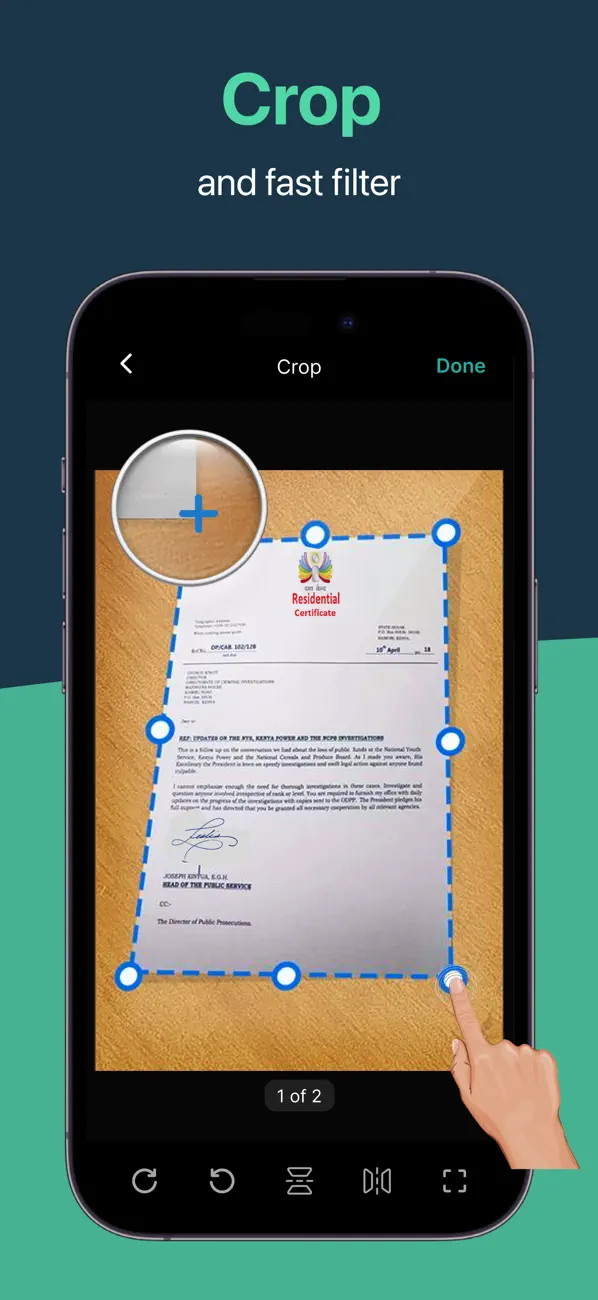
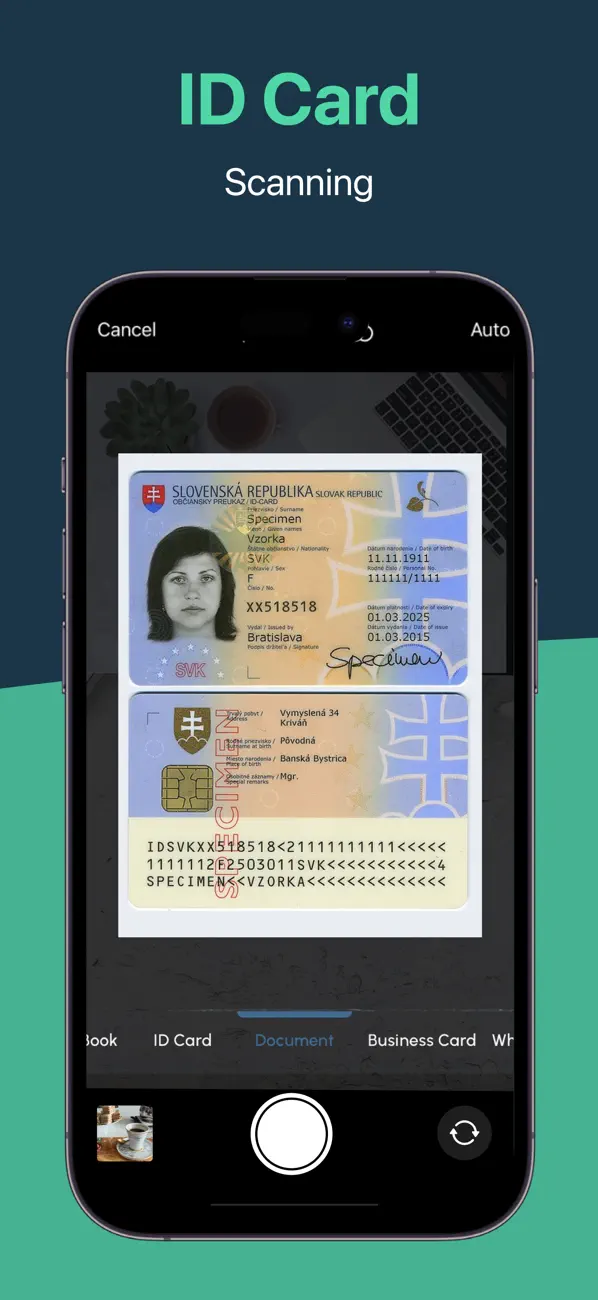
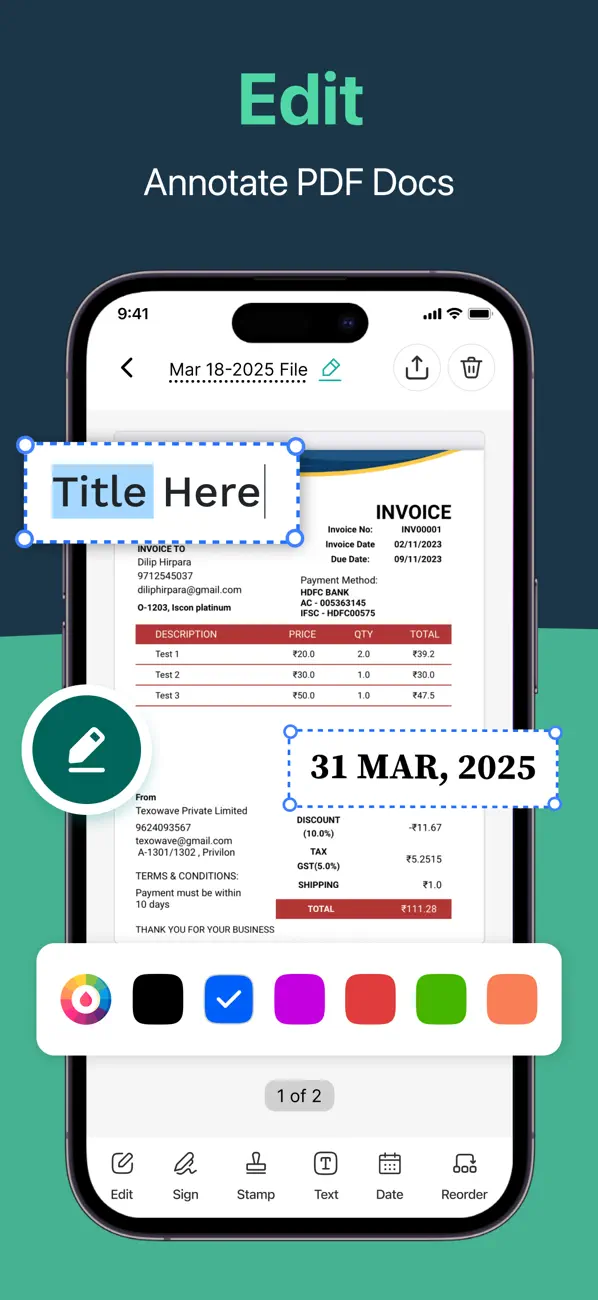
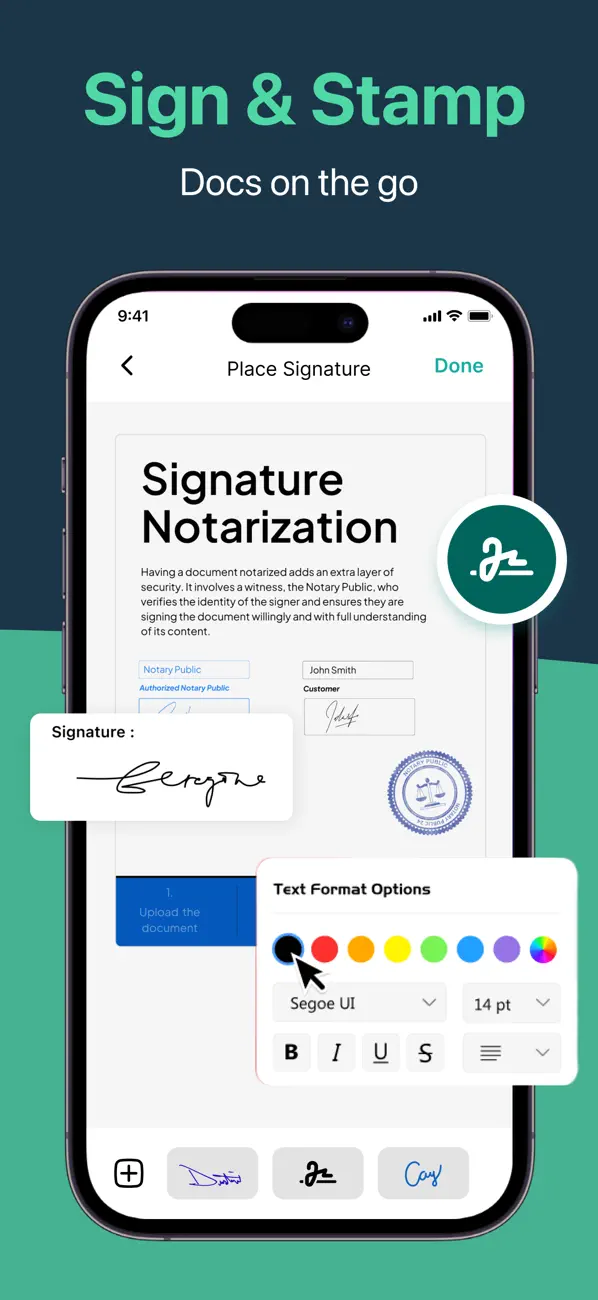
Introducing PDF Scanner: Scan & eSign, a powerful and all-in-one solution designed to help you scan, create, and sign PDF documents effortlessly. This app turns your device into a reliable PDF scanner while also providing secure digital signature tools to finalize documents anytime, anywhere. At the heart of the PDF Scanner is its ability to seamlessly scan documents, convert images into PDFs, and digitally sign files with ease. Whether you’re managing business paperwork, forms, or personal documents, this app offers essential tools carefully crafted for both scanning and signing needs.
Designed for ease of use, PDF Scanner offers a clean and intuitive interface, allowing users of all experience levels to scan, sign, and manage documents effortlessly. Whether you're a student digitizing notes, a professional signing contracts, or anyone needing fast PDF scanning and signing, this app is built to simplify your workflow. Experience smarter document handling with the PDF Scanner — where scanning meets secure signing.
